
Most “best AI tools” lists are a coding aisle. Cursor, then three cousins of Cursor, then a UI generator that is also Cursor. You close the tab with four build seats and no way to sell, answer, or get found.
A micro SaaS is a niche product run by one person or a small team. Indiecity is for one person or a team under twenty. The work is six fields: coding, design, sales, support, marketing, and operations. Each field is wide. You still pick one tool per field you actually have this month, not ten tools that all write code.
In 2026 building is cheap. Tereza Tizkova wrote that you can vibecode your own SaaS instead of paying someone $50 a month for theirs. Anyone can ship a lookalike app. Almost nobody has a buyer, ad money, or a free way to get seen. Another prompt-to-app tab does not fix that.
Six fields, one seat each
Before you pay, name the field and the task. If you cannot name the task, skip the seat.
- Will this cut a job I already do in that field this week?
- Can I point to the official page and say what it does in one line?
- If I cancel it in 30 days, does the product still run?
A yes on all three is a tool. A second coding agent is not. Here is the map.
The ten tools
- Coding: Cursor writes and edits the product you own.
- Design: Figma is the canvas and the prototype, not another repo.
- Design: ChatGPT Images makes the pictures the page needs.
- Sales: Claude writes the offer and the one-to-one notes.
- Sales: Instantly sequences outreach after a human sentence already books.
- Support: YourGPT is the agent on your docs and your site.
- Marketing: Perplexity finds pages you can open and check.
- Marketing: Buffer turns one useful page into posts you can schedule.
- Operations: MCP360 connects your agents to 100+ tools through one unified MCP gateway.
- Operations: Granola keeps what the buyer said on the call.
Lovable, Bubble, and v0 are real. They live in coding. You pick one build path and move. The rest of this list is the other five fields.
1. Cursor
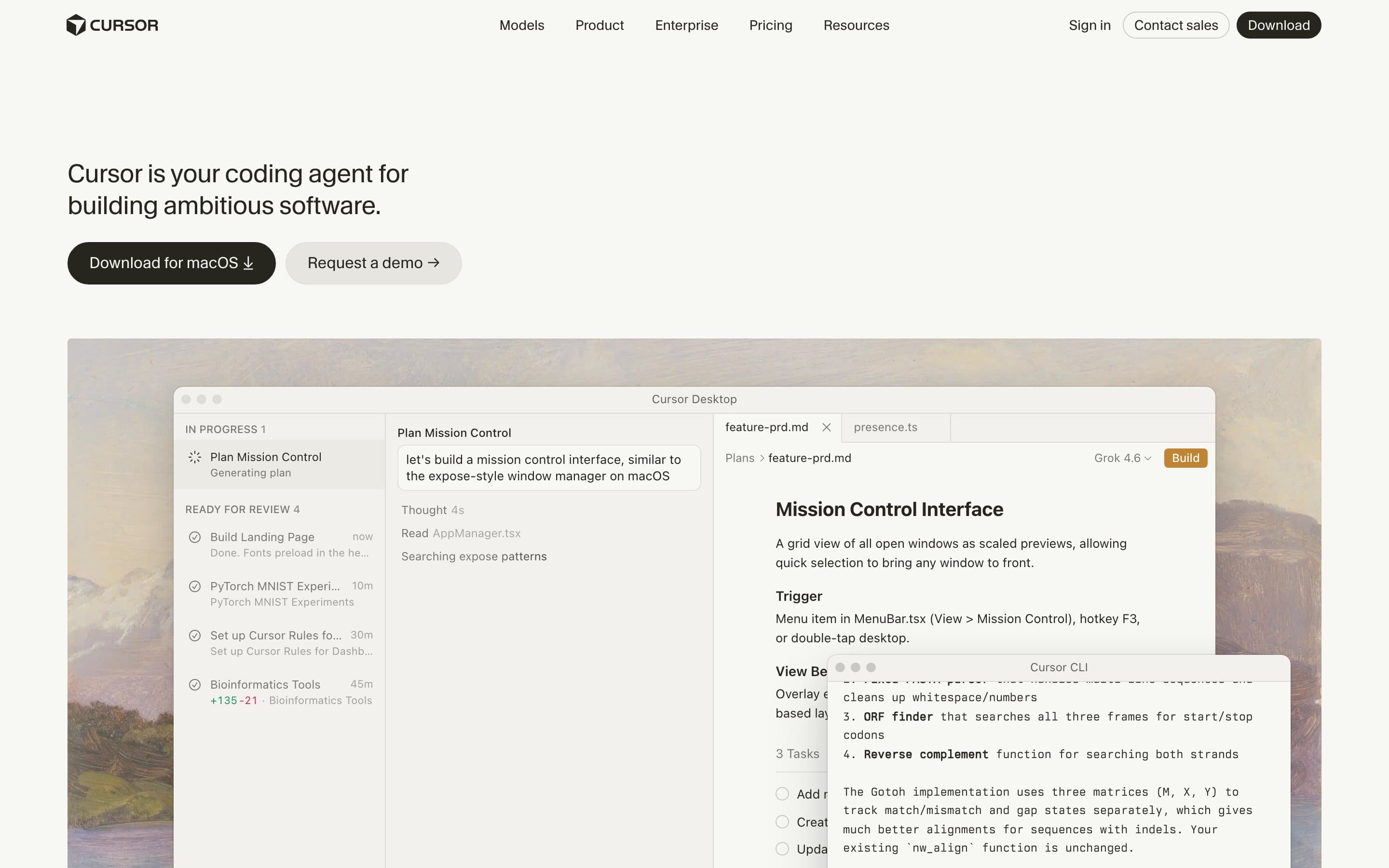
Cursor is an AI-native code editor built as a fork of VS Code. It indexes your entire local codebase, executes multi-file modifications through Composer, and offers intelligent code autocompletion and conversational edits. Rather than copy-pasting code back and forth from an external browser window, the agent operates directly within your repository files, dependencies, and terminal shell.
For a solo founder or a team under twenty, Cursor serves as the single coding seat because you retain full ownership of the source code, database migrations, and deployment target. You write requirements in plain English, review the resulting diff line by line, and run the project locally. It removes routine boilerplate work while keeping you in complete control of your application architecture.
Pros
- Full local repository ownership: all files, Git history, and environment variables stay on your machine.
- Deep codebase indexing: understands types, project architecture, and dependencies across all folders.
- Inline diff inspection: review, accept, or reject specific changes before merging into your codebase.
Cons
- Requires foundational programming literacy to review diffs, test edge cases, and debug runtime errors.
- Fast premium request allocations can be exhausted quickly during intense multi-hour build sprints.
Pricing
Cursor’s public pricing starts with a free Hobby tier, a Pro plan at $20 a month with 500 fast premium requests, and a Business tier at $40 per user a month. For power builders who want maximum value across their AI stack, subscribing via xAI's SuperGrok Heavy ($300 a month) unlocks a full Cursor Ultra subscription (normally $200 a month on its own) at no extra cost, bundled alongside Grok Bot (an autonomous background teammate inside Cursor), X Premium, and Grok Super Heavy compute allowances.
Review & verdict
Cursor is the gold standard coding seat for builders who want real software they control. Start with the $20 Pro tier to ship your MVP locally, or leverage the $300 SuperGrok Heavy bundle if you need heavy agent compute, Grok Bot, and social distribution in one package. For founders who cannot code, pair a no-code builder with no-code vs code for a first SaaS. If you would rather describe the app than code it, see our vibe coding tools comparison.
2. Figma
Figma is the collaborative interface design and prototyping tool used across digital product teams. With features like Figma Make, the platform introduces prompt-to-prototype generation, enabling solo builders to generate UI frames, test interactive user flows, and refine layouts on a visual canvas before writing frontend code.
A micro SaaS often fails to convert visitors because the interface looks like an unstyled weekend demo. Figma gives you a structured canvas to design the two surfaces that determine whether buyers trust you enough to pay: your landing page and your checkout flow. Once typography, spacing, and component hierarchy look solid, you transfer those styles straight into CSS or Tailwind.
Pros
- Prompt-to-prototype generation speeds up wireframing, screen layouts, and empty-state mockups.
- Industry-standard design tooling with precise controls for typography, color variables, and auto-layout.
- Developer inspection mode provides exact CSS properties, padding values, and asset exports.
Cons
- Has a moderate learning curve for non-designers unfamiliar with components and frame hierarchies.
- Can become a procrastination trap if you spend weeks refining component libraries instead of talking to buyers.
Pricing
Figma’s official pricing includes a Starter tier at $0 for up to 3 design files and unlimited drafts, a Professional plan at $12 per editor a month billed annually ($15 billed monthly) with unlimited files and shared libraries, and an Organization tier at $45 per editor a month.
Review & verdict
Figma is the dedicated design seat. Use it to design the landing page and core product screen so your software looks trustworthy, then stop and build. Do not let design systems distract you from getting your first paying customer.
3. ChatGPT Images
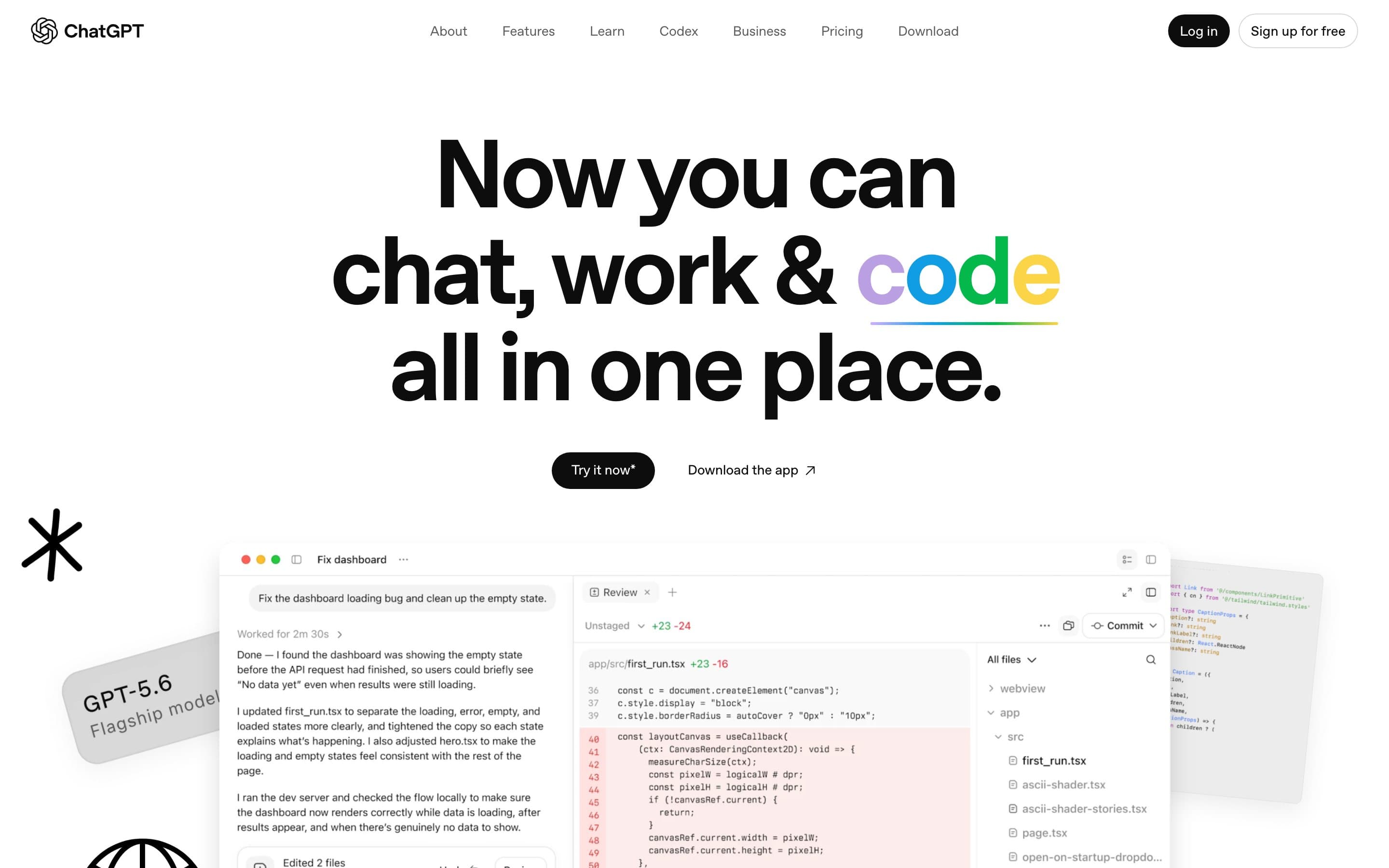
ChatGPT Images is OpenAI’s conversational visual generation engine integrated inside ChatGPT. It allows founders to generate custom editorial visuals, product still-lifes, feature illustrations, and marketing graphics by describing what they need and iteratively modifying specific regions.
Stock photography and generic vector illustrations make a new software product look like a templated cash-grab. With ChatGPT Images, a solo founder can maintain a cohesive art direction: real textures, warm lighting, tangible desk objects, and editorial compositions. Producing custom graphics for blog headers, hero cards, and social thumbnails takes minutes without an agency retainer.
Pros
- Conversational inpainting lets you revise specific sections of an image without regenerating the entire canvas.
- Clean, high-resolution rendering for product still-lifes, realistic textures, and abstract backgrounds.
- Integrated directly into standard ChatGPT workflows without requiring complex command-line parameters.
Cons
- Embedding crisp, custom text inside generated imagery remains inconsistent; best paired with HTML text overlays.
- Photorealistic human faces can look artificial if prompted without specific styling constraints.
Pricing
OpenAI’s ChatGPT pricing includes a Free plan with limited base generations, a Plus plan at $20 a month with priority model access and higher daily image creation allowances, and a Team tier at $25 per user a month billed annually ($30 billed monthly).
Review & verdict
ChatGPT Images solves visual asset creation for small teams. Pick one disciplined palette and visual style, generate your hero artwork and social cards, and avoid glossy AI portraits that signal cheap automation to buyers.
4. Claude
Claude by Anthropic is an advanced reasoning and writing assistant powered by Claude 3.5 Sonnet and Opus. It is known across the industry for producing nuanced, natural English without the repetitive buzzwords and formulaic cadence found in standard conversational models.
In 2026, clear sales copy is what separates products that earn money from repos that sit abandoned. Claude acts as your dedicated sales writing seat: refining your one-sentence value proposition, drafting one-to-one customer outreach notes, and polishing onboarding copy. With its 200,000-token context window, you can paste full user interview transcripts and extract the exact problem phrases your buyers use.
Pros
- Produces clean, restrained prose that reads like a human builder rather than marketing hype.
- 200k-token context window ingests lengthy customer interview transcripts, documentation, and pricing sheets.
- Projects workspace feature stores brand voice rules, target customer personas, and messaging guidelines.
Cons
- Output quality mirrors the input context; generic prompts yield generic outlines that require manual rewriting.
- Web interface enforces rate limits during peak hours on very long conversational threads.
Pricing
Claude’s pricing offers a Free tier with standard message caps, a Pro subscription at $20 a month (plus tax) with 5x more usage and Projects workspaces, and a Team plan at $25 per seat a month (minimum 5 members) billed annually ($30 monthly).
Review & verdict
Claude is the highest-leverage sales seat in a micro SaaS stack. Feed it raw customer conversations and use it to describe your SaaS in one sentence so you can close your first 10 paying customers without ads.
5. Instantly
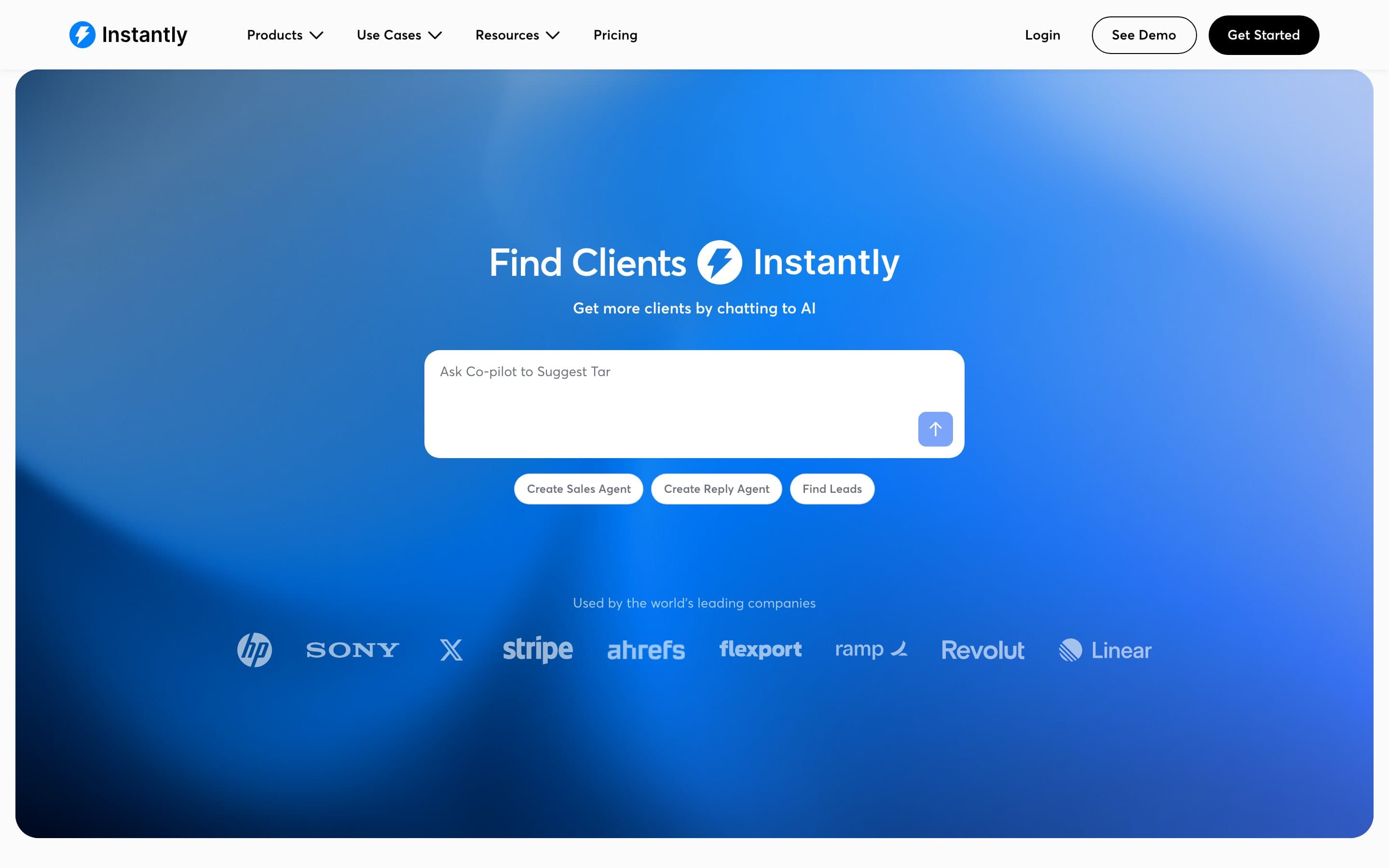
Instantly is an automated cold email outreach platform built for deliverability at scale. It offers automated inbox warmup, multi-account sending rotations, sequence automation, and an integrated B2B lead database with AI copy personalization features.
After you have manually written and proven an email pitch that consistently books calls, outbound volume becomes an operational task. Instantly distributes sending accounts across secondary domains to safeguard your primary domain from spam filters. For a solo builder who cannot manually track dozens of follow-up threads, it automates the sending sequence while routing replies to a unified inbox.
Pros
- Connect unlimited sender email accounts for warmup and rotation without paying per-inbox fees.
- Automated inbox warmup network builds sender domain reputation and helps prevent spam placement.
- Unified master inbox consolidates customer responses across all campaigns in one view.
Cons
- Risks blasting low-converting spam if used before proving your offer sentence manually.
- Requires purchasing and maintaining secondary domains and Google Workspace or Microsoft inboxes.
Pricing
Instantly’s pricing begins at the Growth plan for $37 a month ($30 monthly billed annually) with 1,000 active leads and 5,000 monthly emails, and moves to Hypergrowth at $97 a month ($77.60 monthly billed annually) for 25,000 active leads and 100,000 monthly emails.
Review & verdict
Do not buy Instantly until you have closed paying buyers with individual emails. Once your messaging is proven, read cold email that books a SaaS demo and use Instantly to manage the sending operations.
6. YourGPT
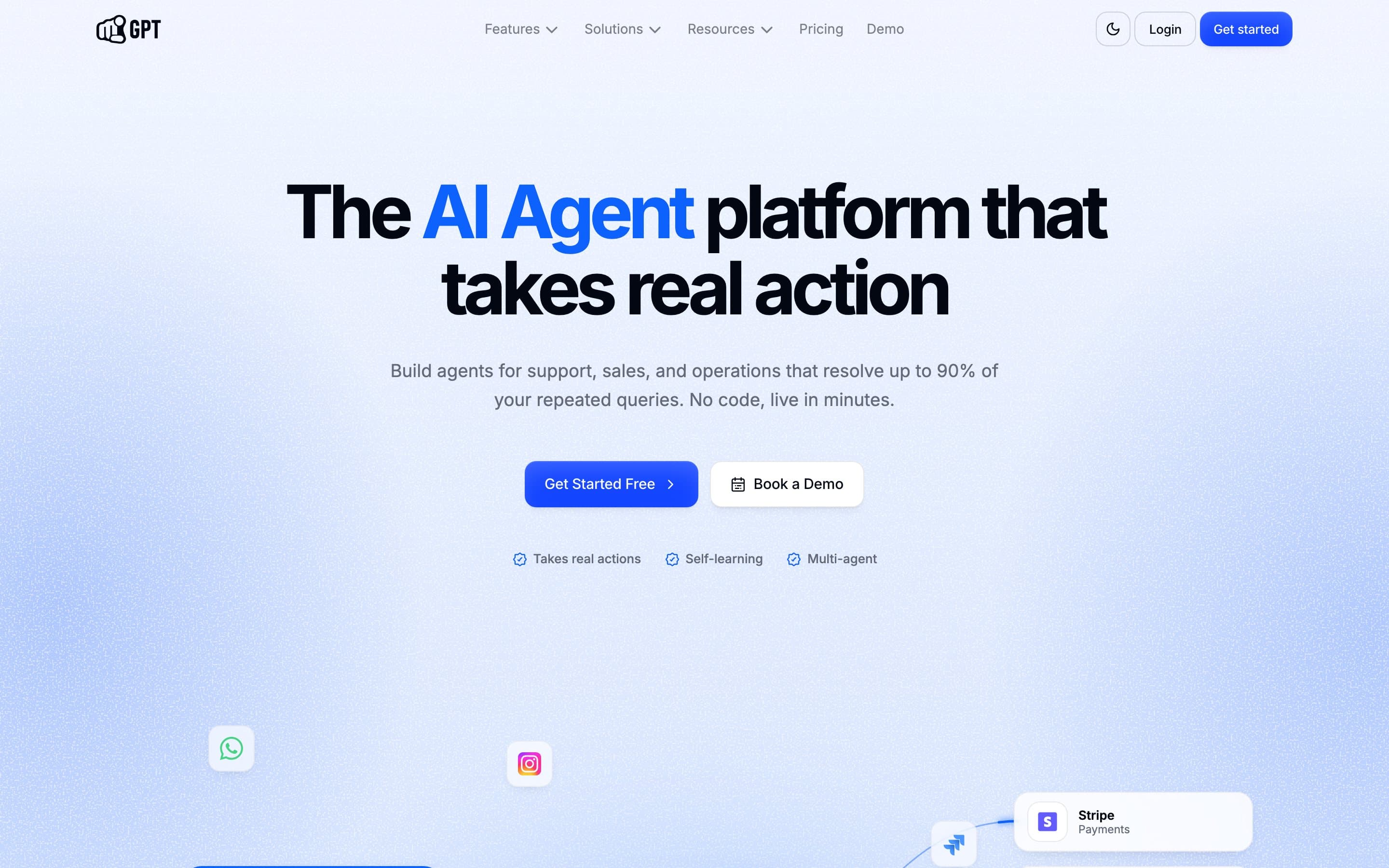
YourGPT is a no-code AI agent platform that connects to your documentation, help center, FAQs, and sitemaps to resolve customer support questions. It provides an embeddable website widget and connects directly to live chat and messaging channels.
Answering the same documentation questions throughout the day fragments a solo founder's focus. YourGPT ingests your help docs and answers routine questions regarding pricing, setup, API configurations, and billing 24/7. When an edge case arises that the agent cannot resolve, it hands off the conversation directly to your email or Slack.
Pros
- Multi-source ingestion trains automatically on website URLs, documentation repositories, PDFs, and Notion pages.
- Human handoff protocols escalate unresolved support tickets directly to your inbox or Slack channel.
- Embeddable widget with customizable styling matches your application’s typography and color scheme.
Cons
- Unnecessary before you have repeat support volume; early on, answering every ticket yourself reveals product gaps.
- Requires maintaining up-to-date documentation to ensure the agent does not provide outdated answers.
Pricing
YourGPT’s pricing features a Starter plan at $19 a month ($15 monthly billed annually) with 1,000 messages and 1 bot, a Growth plan at $49 a month ($39 monthly billed annually) with 5,000 messages and 3 bots, and a Business plan at $99 a month ($79 monthly billed annually) with 15,000 messages.
Review & verdict
YourGPT is the support seat once ticket volume repeats. Early on, read support emails into paying customers to answer tickets yourself; deploy YourGPT once answering repetitive questions blocks your development time.
7. Perplexity
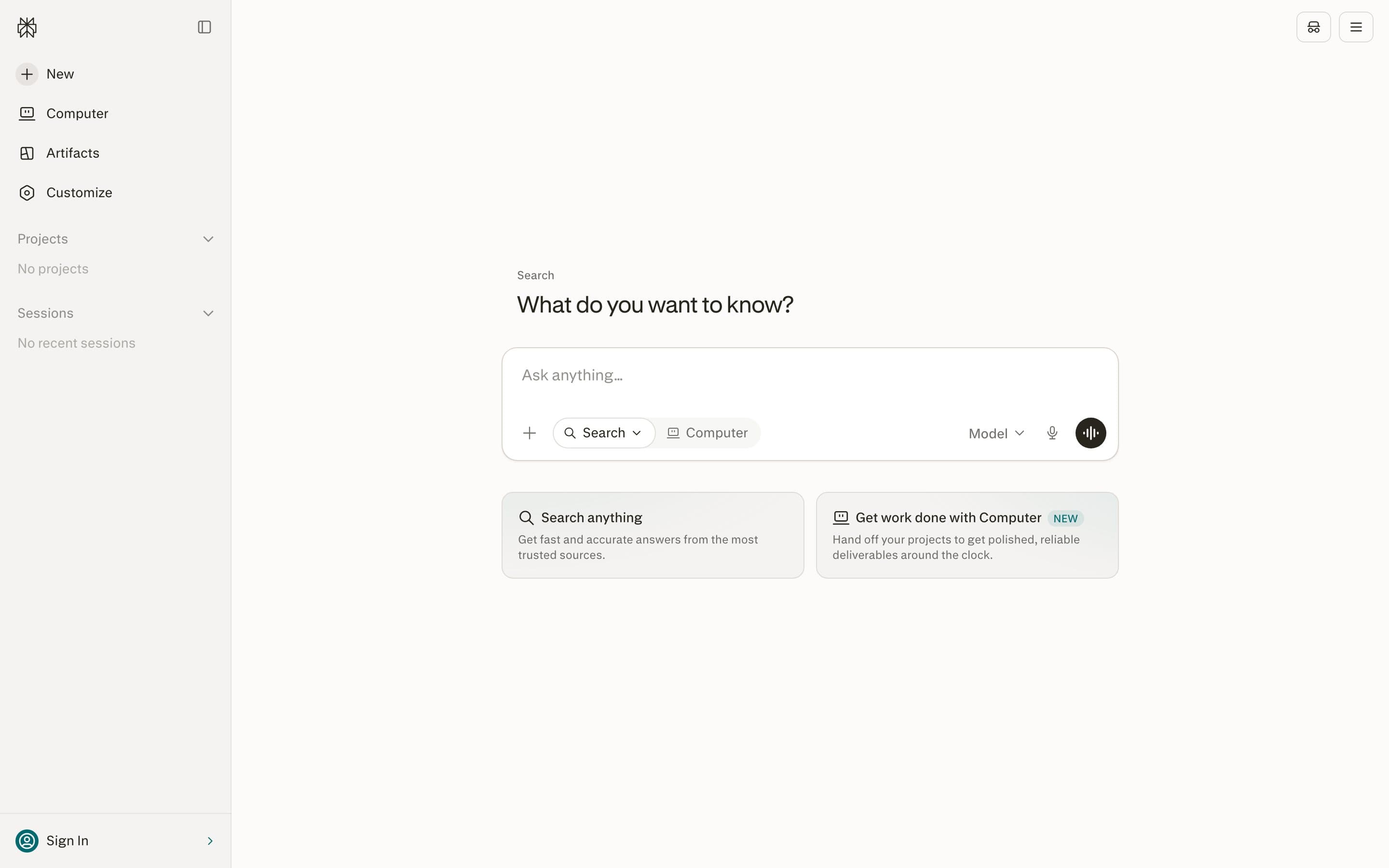
Perplexity is an AI-powered conversational search engine that searches the live web, synthesizes complex research queries, and provides direct, clickable citations for every statement. It indexes current web content and lets you query across specific data sources.
Market research for a micro SaaS involves identifying where buyers complain and verifying competitor pricing models. Perplexity allows founders to explore user complaints, audit competitor features, and locate niche community discussions on Reddit, GitHub, and industry forums in seconds. You click through to the primary sources to verify data before building.
Pros
- Direct clickable citations on every answer link straight to primary forum threads, articles, and pricing tables.
- Focus modes narrow search parameters across Web, Academic papers, Social discussions, and Computational tools.
- Fast synthesis cuts through search engine optimization farms to surface authentic community discussions.
Cons
- Surfaces what people post online, which is not a substitute for direct customer interviews where money is asked for.
- Free tier limits daily queries on advanced frontier reasoning models.
Pricing
Perplexity’s pricing provides a Free plan with unlimited standard searches and basic daily Pro queries, and a Perplexity Pro plan at $20 a month ($200 annually) with 300+ daily Pro queries, file analysis, and model selection.
Review & verdict
Perplexity replaces hours of manual search digging. Use it to validate your SaaS idea before code and find public competitor data, then click the citations to confirm everything yourself.
8. Buffer
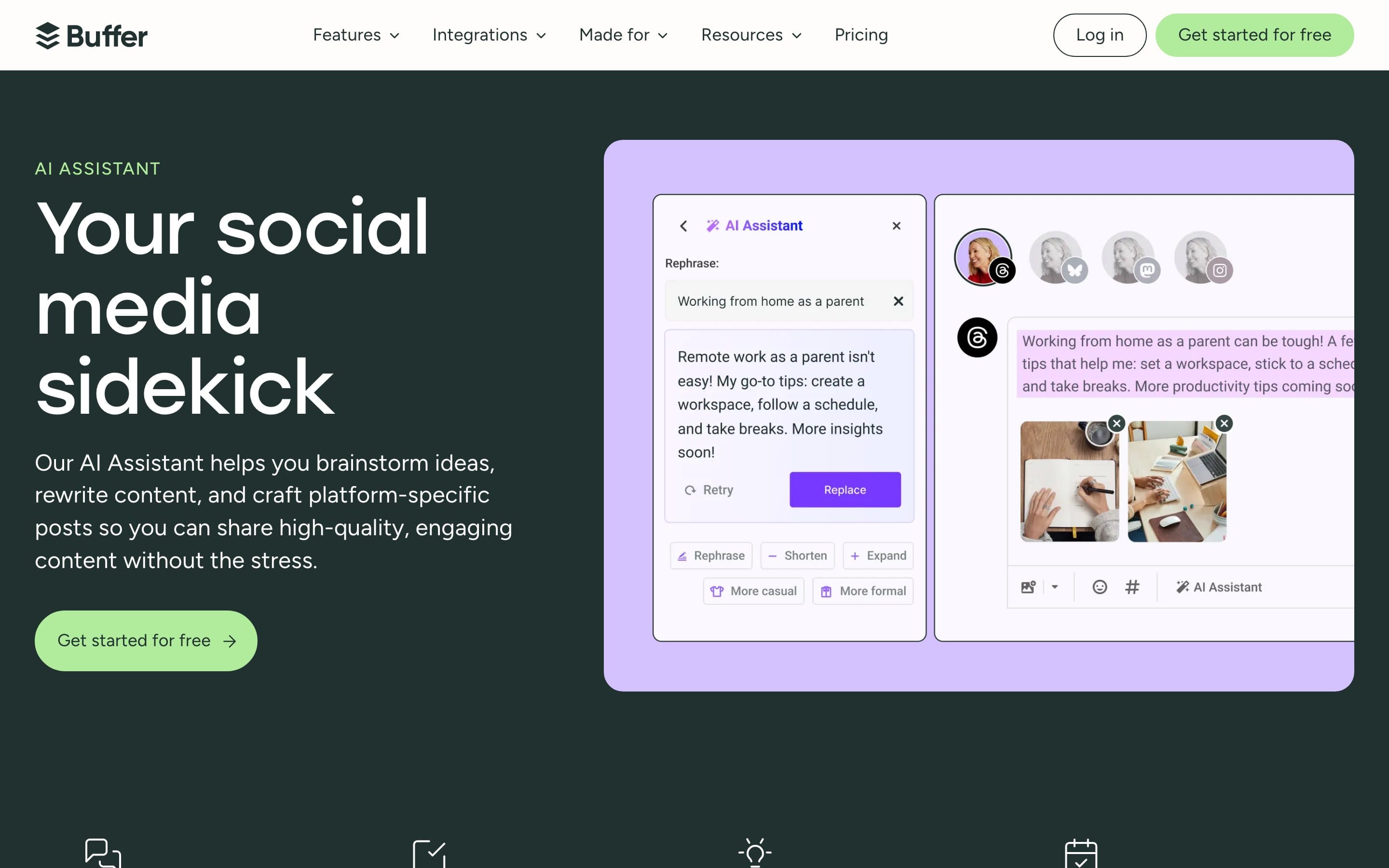
Buffer is a social media scheduling and publishing platform featuring an integrated Buffer AI Assistant. It allows software creators to plan, write, repurpose, and schedule content across X, LinkedIn, Threads, Instagram, and Mastodon from a single calendar view.
Solo founders cannot afford to spend their workday scrolling social feeds. Buffer enables a sustainable distribution workflow: write one in-depth technical article or case study per month, use the AI Assistant to adapt it into platform-tailored posts, and schedule the updates across multiple channels in a single 30-minute session.
Pros
- AI Assistant adapts long-form articles into tailored posts for distinct platforms with one click.
- Clean, distraction-free queue allows scheduling content in advance without browsing social timelines.
- Generous free plan supports up to 3 channels with 10 queued posts per channel.
Cons
- Social distribution does not generate sales on its own without a validated offer and clear pricing.
- Comprehensive analytics and team collaboration workflows require paid plan upgrades.
Pricing
Buffer’s pricing includes a Free tier at $0 for up to 3 channels and 10 queued posts with AI Assistant access, an Essentials plan at $6 per channel a month ($5 monthly billed annually) with unlimited scheduling, and a Team plan at $12 per channel a month ($10 monthly billed annually).
Review & verdict
Buffer is a reliable marketing utility. Schedule your updates in a single weekly block so you can practice growing your SaaS without posting on Twitter every day.
9. MCP360
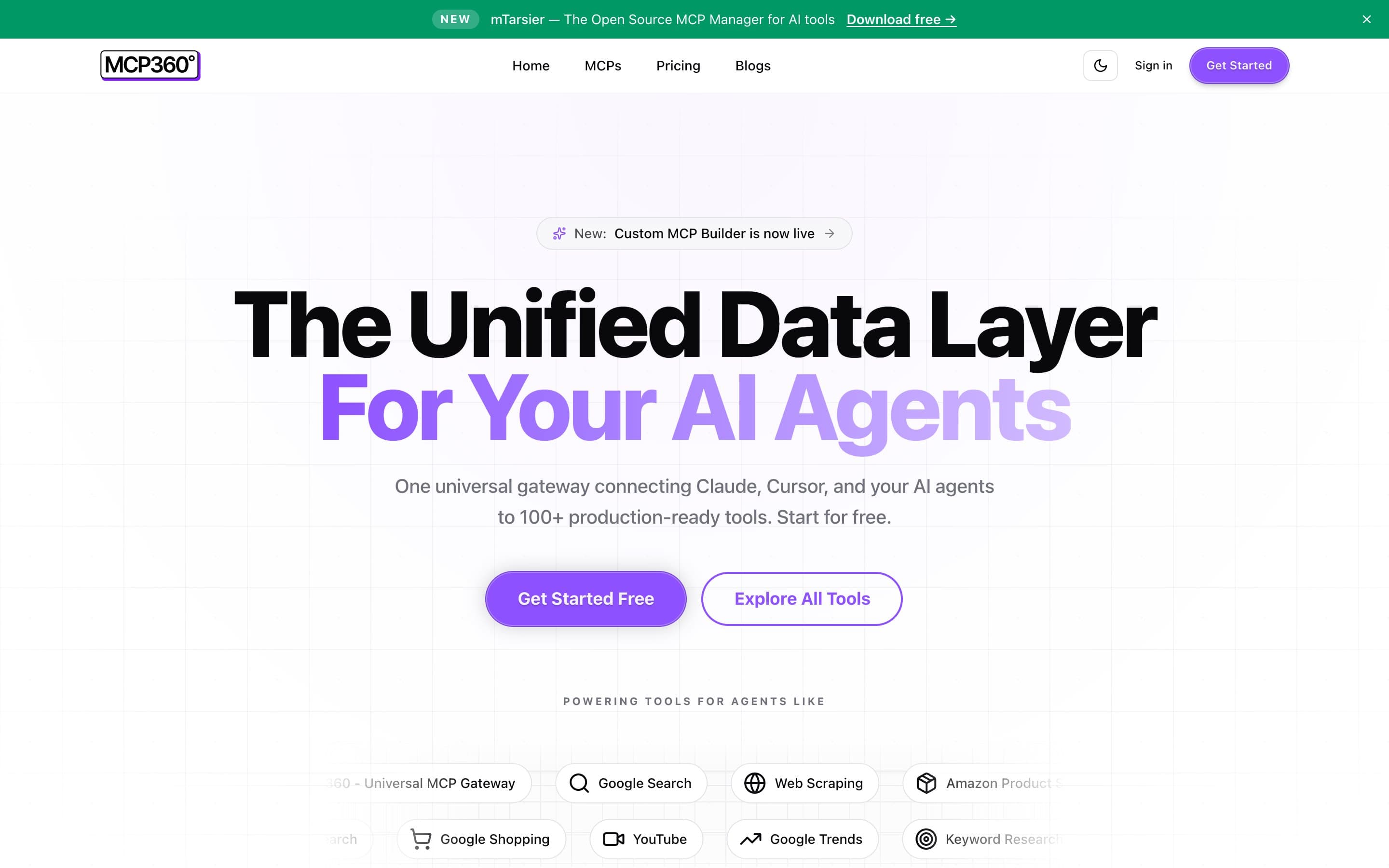
MCP360 is a hosted, universal Model Context Protocol (MCP) gateway that connects AI agents in Cursor, Claude Desktop, and Windsurf to over 100 external tools through a single credentialed endpoint. Instead of building, authenticating, and maintaining dozens of brittle API connections or running complex server instances locally, founders add one MCP configuration URL and an API key to give their coding and research agents direct access to search engines, Google Trends, web scrapers, SEO audits, and email validation.
For an indie team or solo founder, an MCP gateway makes far more sense than traditional workflow automation platforms. Rather than paying escalating per-task fees for rigid multi-step zaps that break whenever third-party APIs update, your AI agents query the tools dynamically during their normal reasoning loop. MCP360 also includes a no-code Custom MCP Builder that transforms any REST API into an MCP server in minutes, turning your custom backend services and external databases into tools your agents can call on demand.
Pros
- Single endpoint architecture: connect once to access 100+ production tools without configuring individual OAuth tokens or local servers.
- No-code Custom MCP Builder: wrap any REST API into a fully compliant MCP server for your agents in minutes.
- Native MCP protocol support: works out of the box with Cursor, Claude Desktop, Windsurf, and custom agent harnesses.
Cons
- Requires an MCP-compatible agent or client to invoke and utilize tools within conversational workflows.
- High-volume programmatic operations require tracking monthly credit consumption across active agent tasks.
Pricing
MCP360’s pricing features a Free tier at $0 with 1 project and 100 monthly credits, a Starter plan at $19 a month ($16 monthly billed annually) with 2 projects and 2,000 credits, a Professional plan at $99 a month ($83 monthly billed annually) with 10 projects and 10,000 credits, and an Advanced plan at $399 a month ($333 monthly billed annually) with 100,000 credits.
Review & verdict
MCP360 is the modern operational layer for agent-first indie builders. When you start a SaaS with no money, plug MCP360 into Cursor or Claude to give your models live data, search, and custom API actions without maintaining fragile middleware.
10. Granola
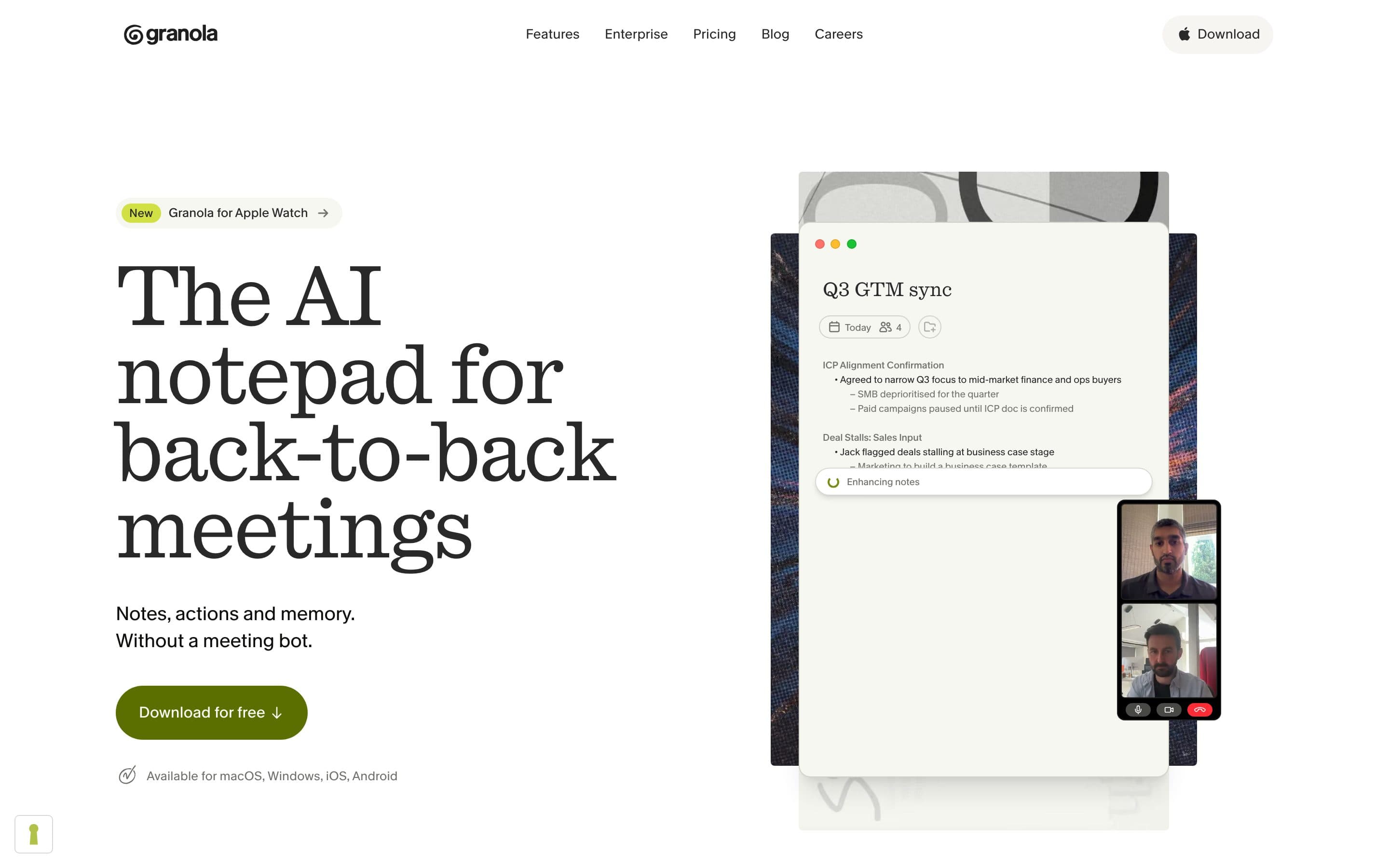
Granola is an AI-powered meeting notepad for macOS and Windows. It records local computer audio during user calls, transcribes conversations in the background, and combines your typed bullet points with full transcript context without sending an awkward bot into your video meetings.
The most valuable data in early SaaS validation is the exact phrasing customers use when describing their frustration. Granola captures user interviews, demo calls, and onboarding sessions accurately. When a call concludes, it enriches your rough notes with structured transcript data, giving you searchable quotes to feed directly into your sales copy and landing page headers.
Pros
- Bot-free recording captures local audio cleanly so customer interviews remain natural and conversational.
- Blends your live typed notes with full AI transcription to generate actionable meeting takeaways.
- Searchable call history lets you search across months of user feedback for recurring feature requests.
Cons
- Requires a desktop application install on macOS or Windows rather than running as a web app.
- Free plan restricts note history retention to 30 days before requiring a paid upgrade.
Pricing
Granola’s pricing features a Free plan with unlimited meeting recordings and 30 days of note history, a Pro plan at $18 a month ($14 monthly billed annually) with unlimited historical storage and custom AI templates, and a Business plan at $35 per user a month.
Review & verdict
Granola is the premier operations tool for user research. Use it during customer interviews with zero users to preserve the honest quotes that inform your product roadmap.
What to buy this month
If you are pre-revenue, buy across fields, not four coding seats.
- Coding: Cursor, or one no-code path. Not both.
- Sales: Claude for the offer and the notes.
- A payment link. Stripe is not an AI tool. You still need it.
Add Figma when the page looks like a template. Add ChatGPT Images when the hero is a gray box. Add Perplexity the week you research a niche. Add Granola the week you book interviews. Add MCP360 when your agents need live tools and search without manual API plumbing. Add Buffer when you have one page worth breaking into posts. Add YourGPT when you can name the three questions it should answer without you. Add Instantly only after a human sentence already books.
Jack Builds wrote on Indie Hackers in July 2026 after four months of solo building: polished landing page, onboarding, features, then launch day with zero paying customers. He had not talked to a buyer. A bigger coding stack would not have fixed that.
You can't wait for users to come to you. You have to go out and get them.
A week you can run
Do this in seven days. The tools only show up where they earn a seat.
- Day 1, sales: Write the one sentence and a price. Claude drafts. You cut. Put both on a page.
- Day 2, coding: Pick one build path. Freeze it for two weeks. Start the thinnest version that delivers the outcome.
- Day 3, marketing: Name 20 people who already have the pain. Perplexity can help you find where they already talk. You still write the list.
- Day 4, operations: Book or send five conversations. Granola if it is a call. Notes if it is email.
- Day 5, design: Ship the path a stranger can finish. Figma if the screen is why they bounce. ChatGPT Images if the hero is empty.
- Day 6, operations: Take a card. Connect MCP360 to your agents for live research and custom API actions.
- Day 7, support: Answer every reply yourself. YourGPT waits until the same questions repeat. Ask the next person to pay.
This month I will pay for one tool per field I actually have:
Coding: [Cursor / one no-code path]
Sales: Claude
Plus: [nothing else / name one field and one job].

The extra tool must cut this week: [one sentence].

I will not add a second coding seat. I will not add Instantly until a human sentence has booked a call. I will not add YourGPT until the same three questions repeat.
If you already have people who pay, put the product on the map. If you will put your name on how you shipped with a small kit, send us the story. You can join Indiecity while you keep the stack thin. The tools do not replace a buyer.
FAQ
Questions people get stuck on
Do I need all ten tools to run a micro SaaS?
No. Ten is a map across six jobs, not a shopping list. Most solo founders start with Cursor (or one build path), Claude for the words, and a payment link. Add the next field when that job is eating the week: design when the page looks unfinished, YourGPT when the same questions repeat, Buffer when you have one useful page to break into posts.
Why only one coding tool? What about Lovable, Bubble, or v0?
They do the same job: get software on a screen. Pick one path. If you can review a diff, use Cursor. If you want a first version from a chat, Lovable is a real option. If you cannot review generated code, Bubble has more guardrails. v0 sits in that same build niche. You do not need four of them. You need the other five jobs.
Should I buy Instantly for my first ten customers?
No. Write the notes yourself. In 2026 mass AI cold email is easy to spot. Instantly is for later, when a human sentence already books calls and you need warmup and a sequence. Until then, ten real notes beat a warmed domain full of the same opener.
What does YourGPT actually do for a small product?
YourGPT is a no-code AI agent platform. You train it on your site, docs, and FAQs, then put it on the website or other channels. It answers repeated questions and can hand off to you. At twenty customers you can still reply yourself. Add it when the same three questions arrive faster than you type.
Claude or ChatGPT: do I need both?
Not on day one. Use Claude for the offer and the sales notes. Use ChatGPT when you need pictures. If you already pay for one and it does both jobs, keep that one. A second chat tab is not a field.
Will these tools get me customers?
No. They help you build, design, write, answer, research, and publish. Customers still come from a price, a named buyer, and a direct ask. Building is cheap in 2026. Getting seen is not. Four extra coding tools do not fix that.
What should I skip while cash is tight?
A second coding agent, a design suite you will not open, a sequencer before a sentence that books, and a support agent before you have repeat tickets. Buy the build tool, Claude, and the domain. Everything else waits until someone pays, or until that job is the bottleneck.
How do I keep the models from writing generic copy?
Give them the buyer, the pain from a real call, and the price. Then cut anything you would not say out loud. Claude will draft. You still own the sentence. If the draft could sit on any SaaS page, it is not done.
Do I need to post on social every day if I have Buffer?
No. Buffer’s AI Assistant drafts and repurposes. You still decide what is worth saying. One useful page a month, broken into a few posts, is enough. Daily posting is optional. Read how to grow if you will not post on Twitter every day.